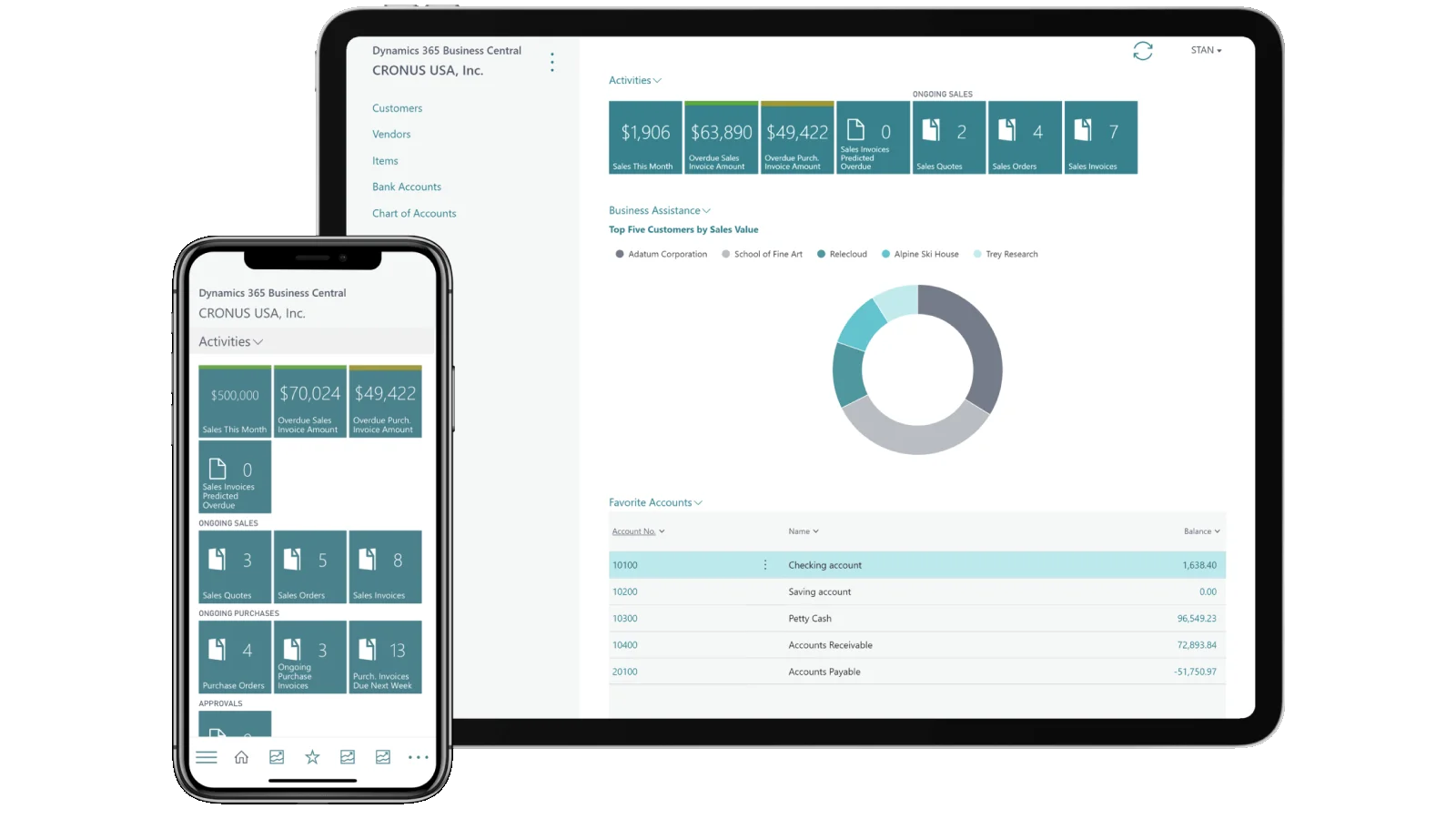
Worried about migrating data from your legacy system? Transitioning to Microsoft Business Central can be daunting, but understanding the key steps and potential pitfalls can make the process smoother. Our comprehensive guide provides essential tips and best practices to help you navigate data migration with confidence. From ensuring data accuracy to avoiding common mistakes, we cover everything you need to know for a successful move to Business Central.
Concerned About Migrating Data from Your Legacy System? Here's What You Need to Know!

Worried about migrating data from your legacy system? Transitioning to Microsoft Business Central can be daunting, but understanding the key steps and potential pitfalls can make the process smoother. Our comprehensive guide provides essential tips and best practices to help you navigate data migration with confidence. From ensuring data accuracy to avoiding common mistakes, we cover everything you need to know for a successful move to Business Central.
First question: Should I migrate all my existing data, or should I proceed with just the opening balances?
As the decision-maker, you control your data migration strategy, but it's crucial to carefully weigh your options to avoid impacting your implementation cost and timeline. Here are the three most common approaches:
Each option is feasible, but the right choice for you depends on balancing cost and maximizing ROI in today's fast-evolving AI landscape. Let's explore these options in detail to help you determine the best fit for your needs. Each of these options has its own set of advantages and considerations
Opening Balances
Pros:
Simplicity: The process is straightforward, reducing the complexity of migration.
Speed: Migrating only opening balances can speed up the implementation and reduce costs.
Clean Start: Avoids the risk of carrying over outdated or irrelevant historical data.
Cons:
Limited Historical Insight: You'll miss out on past transactional data that could be useful for trend analysis or detailed reporting.
Data Gaps: May require manual entry or adjustments for historical context that could impact accuracy.
- Migrate only the opening balances for ledgers, customers, vendors, items, and fixed assets.
- Transfer the previous year's financial data, including ledgers, customers, vendors, items, and fixed assets.
- Migrate all historical balances and operational transactional data, such as sales and purchases.
Best Practices for Data Migration
At Novasoft, our team brings over 25 years of experience in implementing business applications, including ERP, CRM, and operational solutions, alongside expertise in emerging technologies like AI, ML, automation tools, and business analytics. Navigating data migration requires meticulous planning and adherence to best practices. Here are some essential guidelines:
- Prioritize and Plan Your Data Migration
- Optimize Data Utilization for ERP Integration
- Establish Clear Data Governance
- Select Data Wisely for Migration
- Implement Data Quality Checks
- Develop a Comprehensive Migration Strategy
- Engage in Regular Testing and Validation
- Train Your Team for a Smooth Transition
- Monitor Post-Migration Performance
Our Recommendation & Experience
Migrating data from a legacy system to Business Central can be a daunting task, especially when dealing with historical data. We recommend focusing on migrating only the opening balances for a smoother transition. This approach simplifies the migration process and reduces complexity compared to transferring extensive historical data. Tools like Power BI and Tableau can help bridge the gap between your old and new data, while AI can assist in integrating insights from both systems.
Opting for opening balances is often the best choice for a successful implementation. If you encounter any data migration challenges or need personalized advice, our experts are here to help. Contact us to discuss the best strategies for your needs and ensure a seamless transition to Business Central.